Auditing — from URL to result
From URL to result: the audit field and its options, the crawl panel and cancelling it, failure and saving, quota, and the seven verdicts on what arrived.
The audit screen and the URL
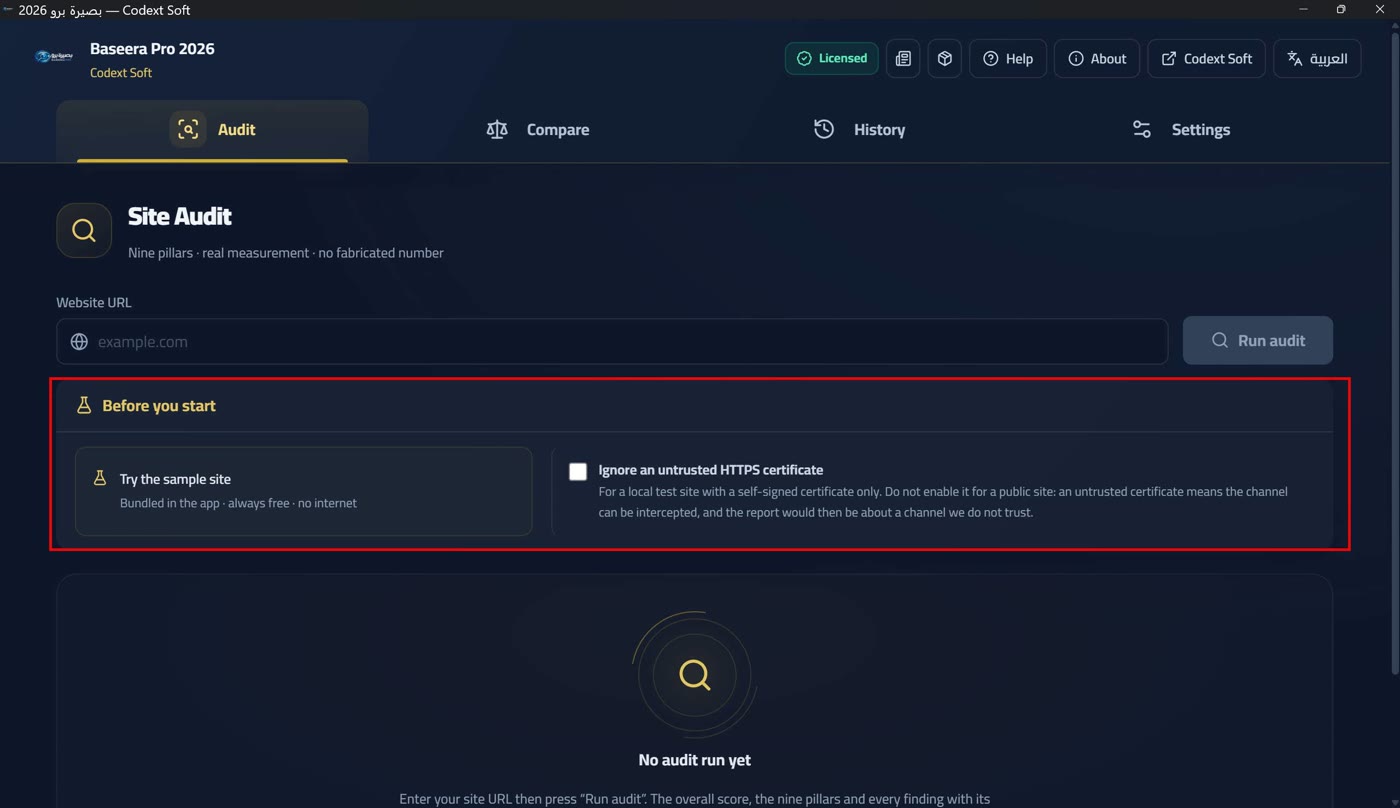
The audit screen is the main screen, and it stays mounted even when you navigate away so your result is never lost. Its title is «Audit a site» with «nine pillars · real measurement · no invented number» beneath, holding the «site URL» field with example.com-style hints and the «Start audit» button.
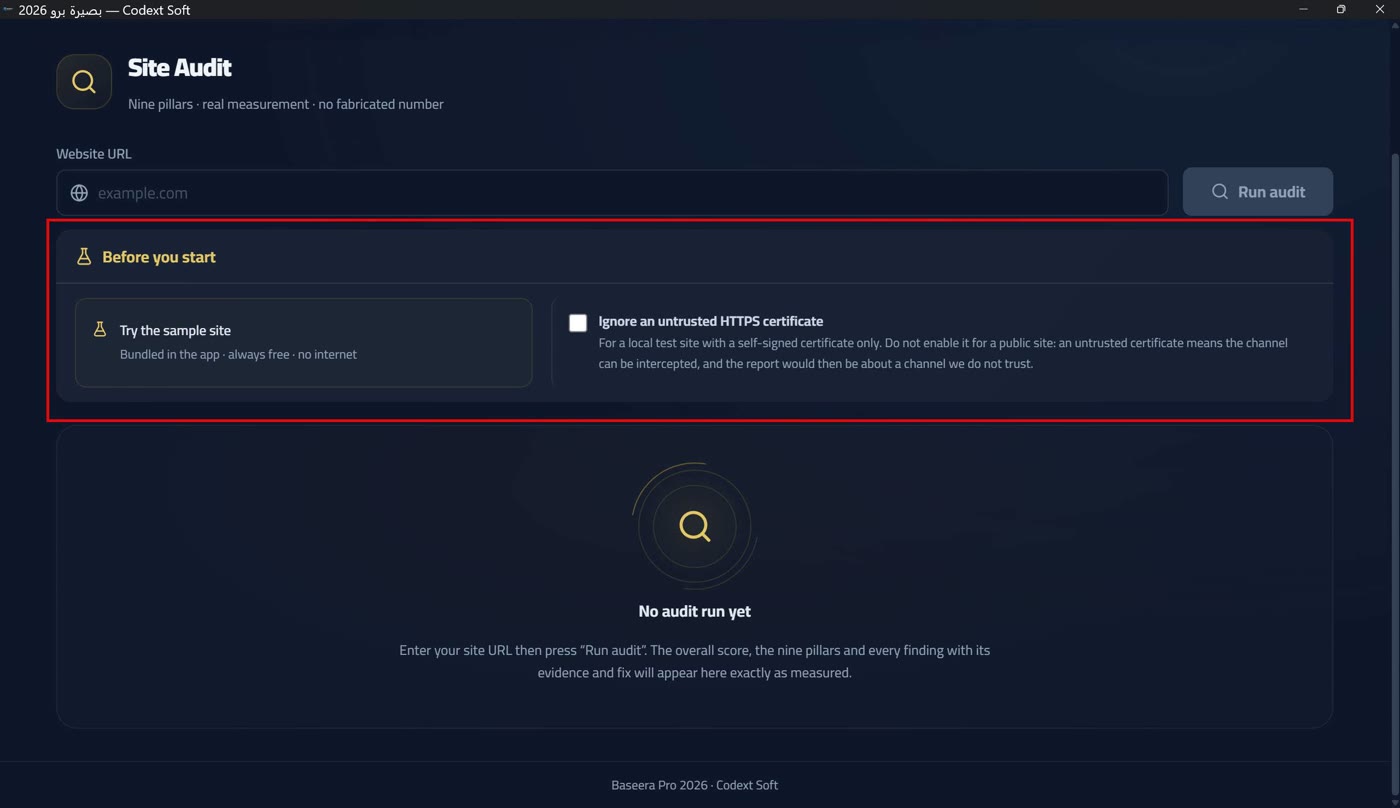
The URL is written flexibly: http or https with a dotted host is accepted, as are the three local machine names (localhost · 127.0.0.1 · [::1]). Anything else appears in an explicit card: «The URL you typed is not valid…» — the fault here is in what was typed, not in the site, so it never borrows the «audit failed» reason (Failure, and saving on completion). The app also identifies itself honestly: the user agent says Baseera Pro 2026 and never impersonates a browser, because a spoofed agent measures a site your visitors never see.
Below the field a card titled «Before you start» carries two optional controls: the «Try the sample site» button under «embedded in the app · always free · no internet» — one click fills the URL and runs the audit (The embedded sample site); and the «ignore untrusted HTTPS certificate» checkbox under a long warning — this option is for a local test site with a self-signed certificate only. Never enable it for a public site: an untrusted certificate means the channel can be intercepted, and the report would then be about a channel we do not trust.
While auditing: the polite crawl and cancelling it
While auditing, the button becomes «Auditing…» and the field is disabled. The probe is a single request; the crawl, however, runs in polite batches with a delay between them, and the «site crawl» panel appears with four successive stages: «Opening the session: robots.txt, sitemap and security.txt…» ← «Visiting pages…» ← «Checking links…» ← «Crawl complete», plus four live counters — pages, queued, links and requests — and a cancel button.
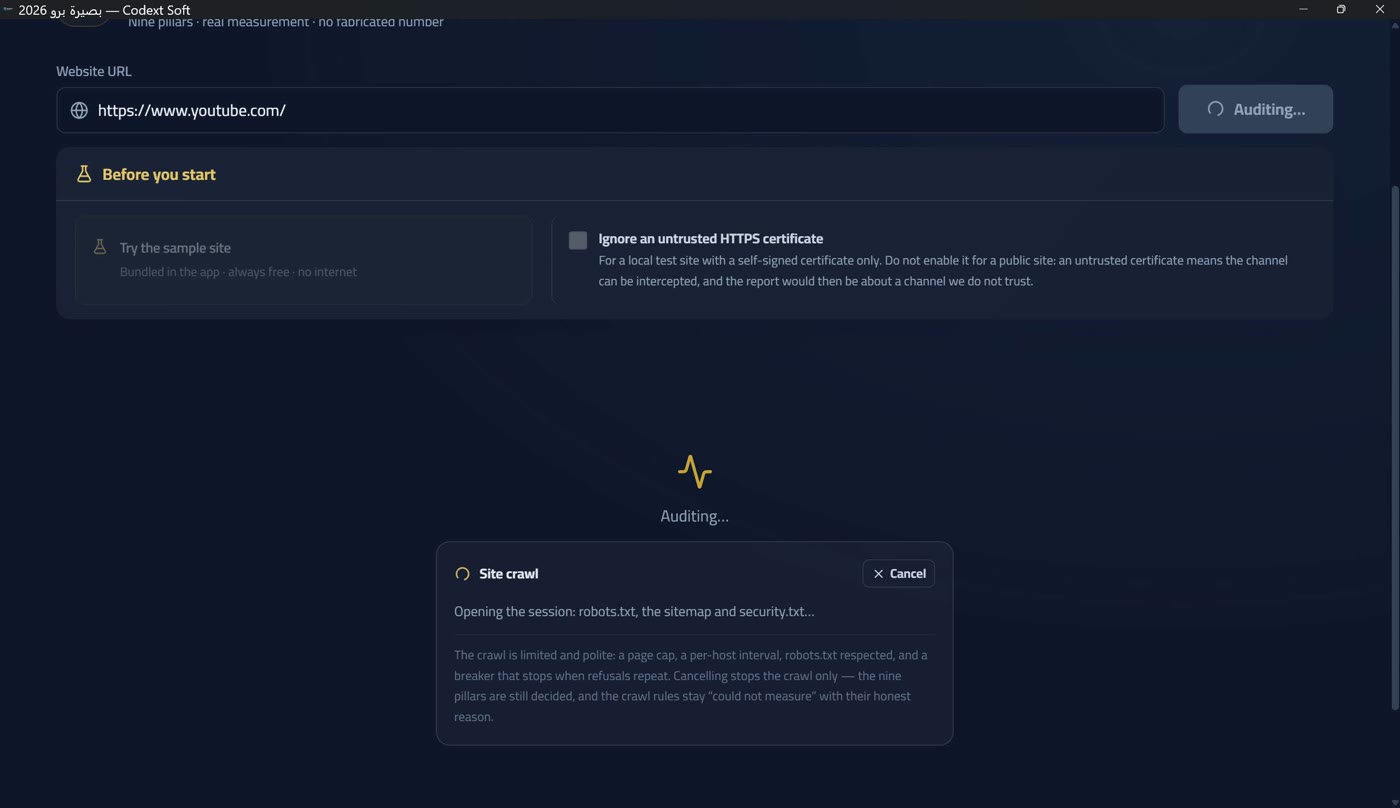
Under the panel a notice spells out the rule: «The crawl is limited and polite: a page ceiling, a per-host delay, respect for robots.txt, and a breaker that stops when refusals repeat. Cancelling stops the crawl alone — the nine pillars are still scored, and the crawl rules stay «could not be measured» with their honest reason». The page ceiling is 25 pages in the demo tier and 50 by default in the licensed tier, raisable to 200 from Settings (Preferences: three saved settings).
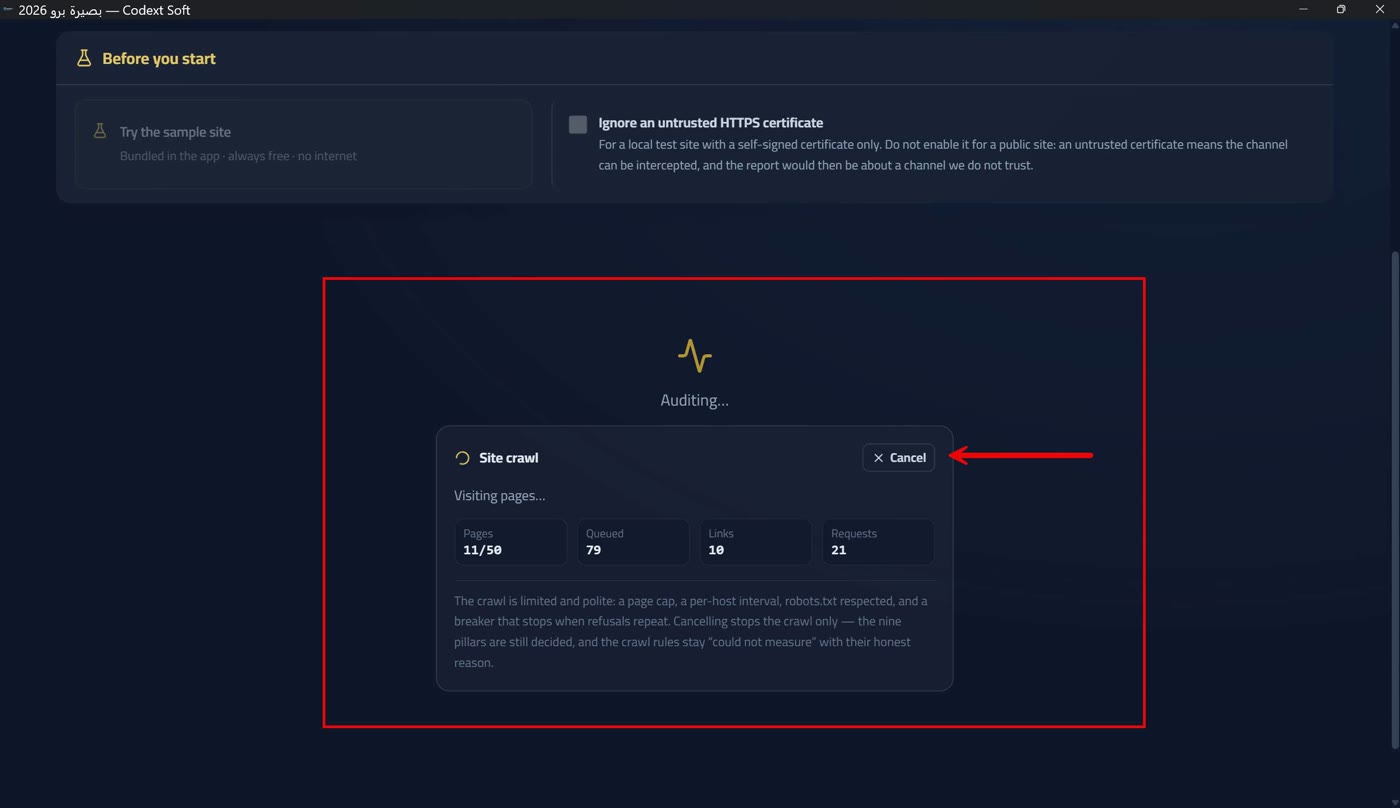
Cancelling stops the crawl, not the audit: the nine pillars are scored from the pages actually visited, and the crawl-and-links pillar stays «not measured» with its honest reason. During cancellation the button reads «Cancelling…».
Failure, and saving on completion
If the audit fails, a red card appears titled «Audit failed» or «Could not reach the site» with the reason exactly as it came from the core — never a silent redness that invites you to retype the same URL. Raw facts (status code, URL, signal kind) cross from the Rust layer unchanged; the sentence is composed where the language is known — so no measured message is re-translated and no message is invented for something that did not happen.
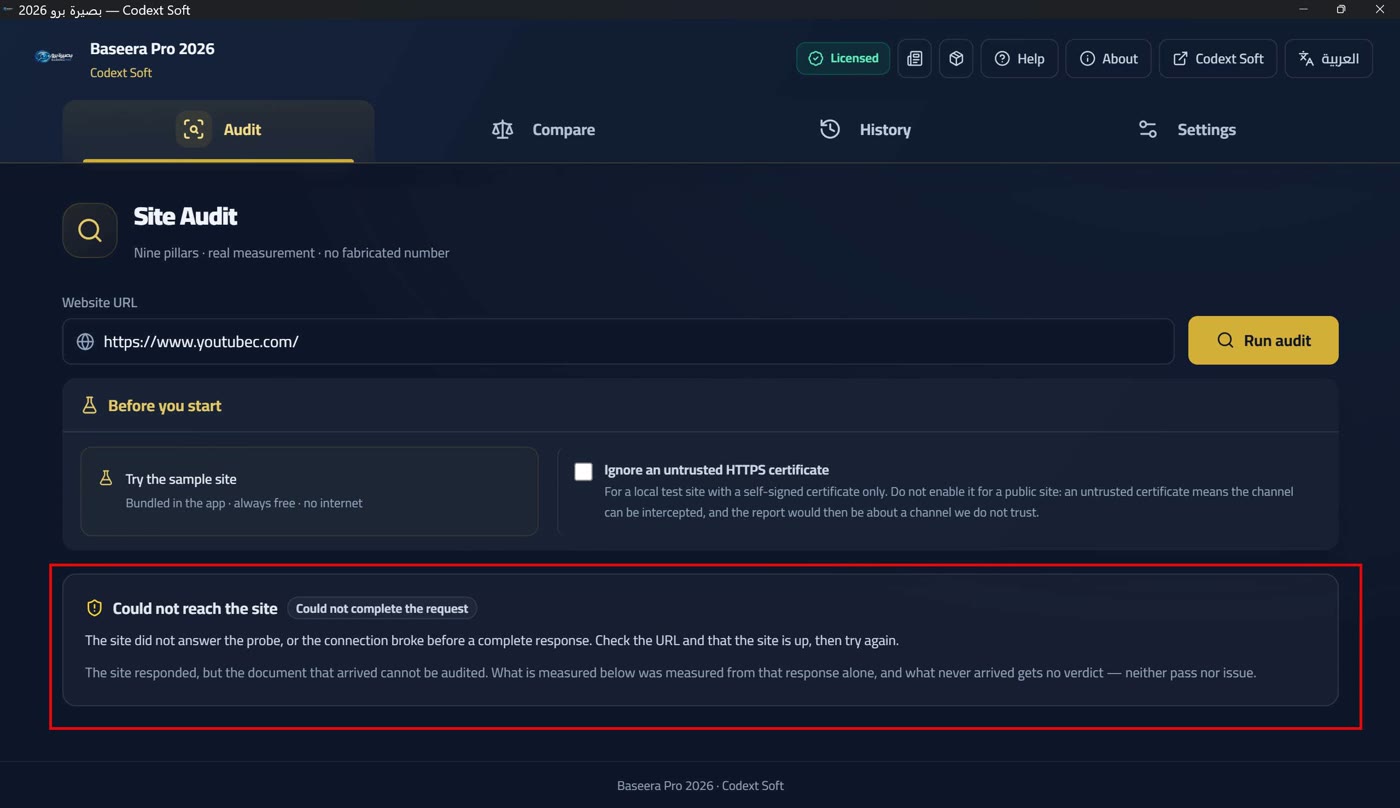
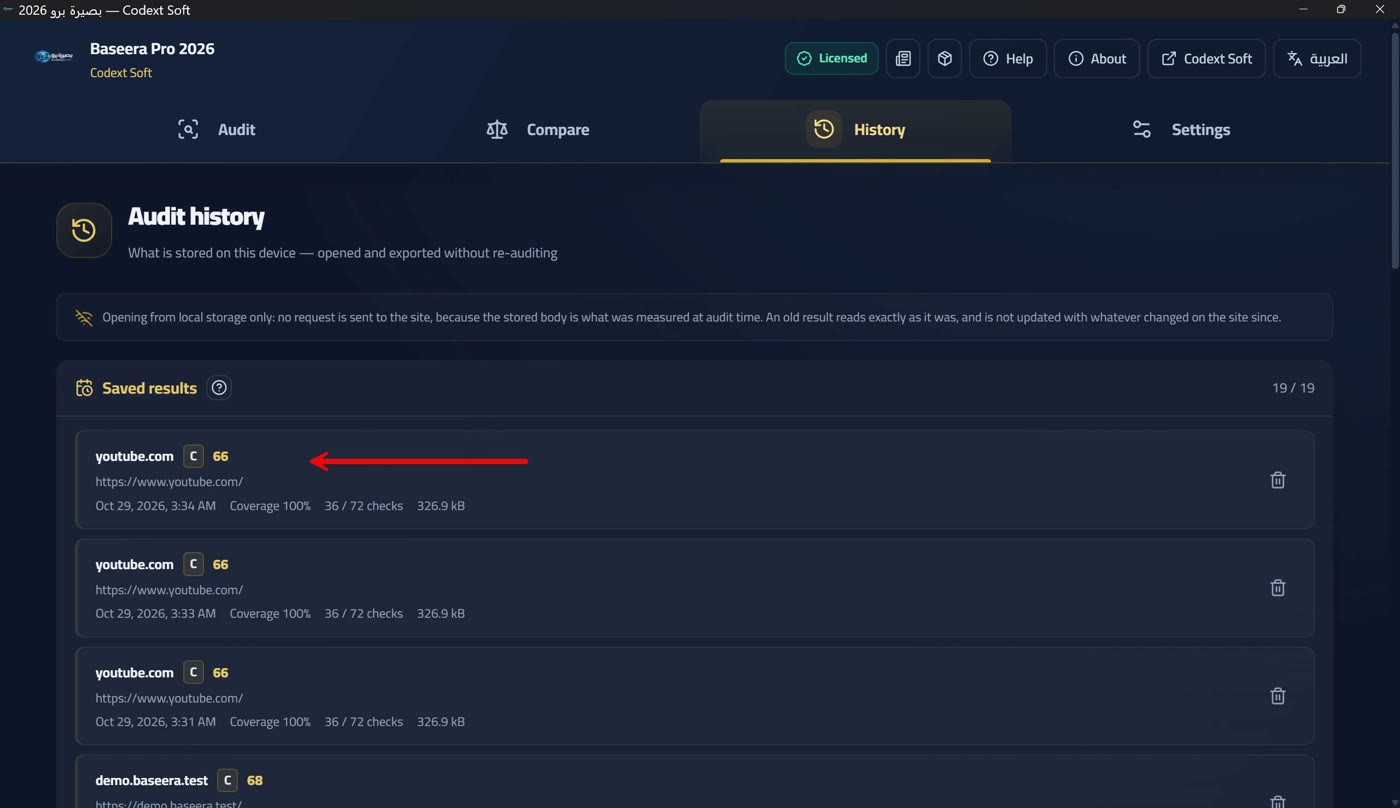
On completion the report is saved to history automatically and a notice appears: «Result saved to history — opens later without an internet connection» (Local history and opening a saved result). If saving fails the notice is equally honest: «Could not save the result to history. The report is in front of you and can be exported; what failed to save is the history, not the audit».
The demo quota and running out
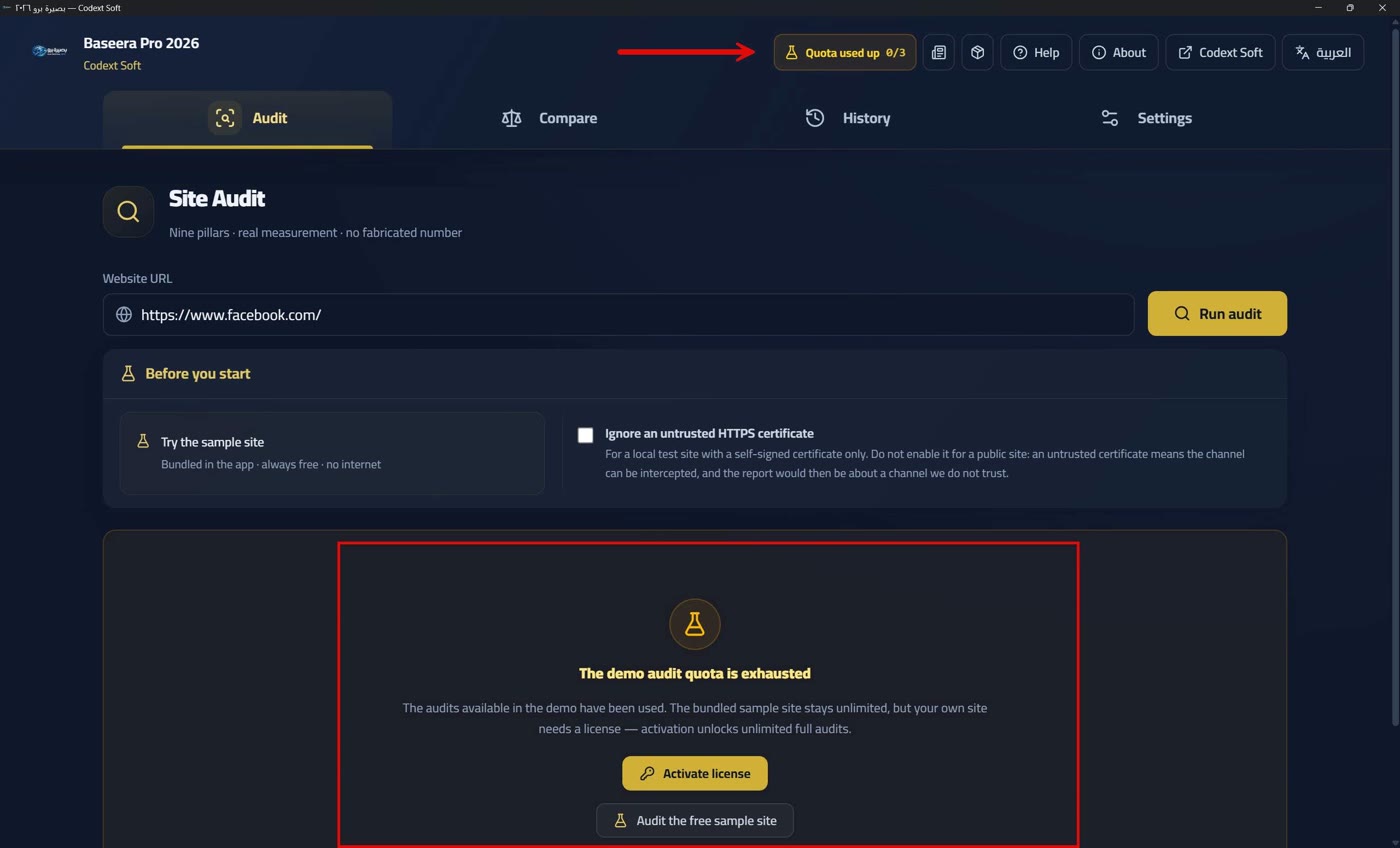
The demo tier carries 3 full audits per Windows user. An audit is reserved before it starts and settled after it ends, so an audit that fails midway is not charged and one audit is never charged twice. The counter is read in the licence badge's tooltip, not its text (Two tiers and a badge — no time trial), so running out is never a surprise at the first blocked audit. The sample site costs nothing: its target is embedded in the app and never touches the network (The embedded sample site).
When the quota runs out, an amber card appears on the audit screen titled «Demo audit quota exhausted»: «The available demo audits have been consumed. The embedded sample site remains available without limit, but your own site needs a licence — activation opens unlimited full audits». It holds an «Activate licence» button (Entering the code and its ten errors) and an «Audit the free sample site» button — every lock has a cure, and the cure for quota is not activation alone but a sample measured in front of you.
And if the licence state cannot be read from the core because of a local fault, you are treated as the strictest demo state — fail-closed, not a free key — with a visible reason and a retry button (One fallback state — and the second way is always open).
The embedded sample site
demo.baseera.test is an Arabic page embedded in the app — on the reserved .test domain that never resolves — and it goes through the engine exactly like a real site, producing a full report with no internet. It deducts no quota, and no export, copy or fix snippet is locked in it — it is the way for someone whose quota ran out to see a complete report before deciding on a licence.
Because the network was never touched, honesty is mandatory: transport phases (DNS, TCP, TLS, first byte) come back «unavailable» rather than invented, the certificate is «not measured» so there is no serial and no fingerprint, and no crawl session is opened — so every check that needs other pages stays «unavailable» with a named reason.
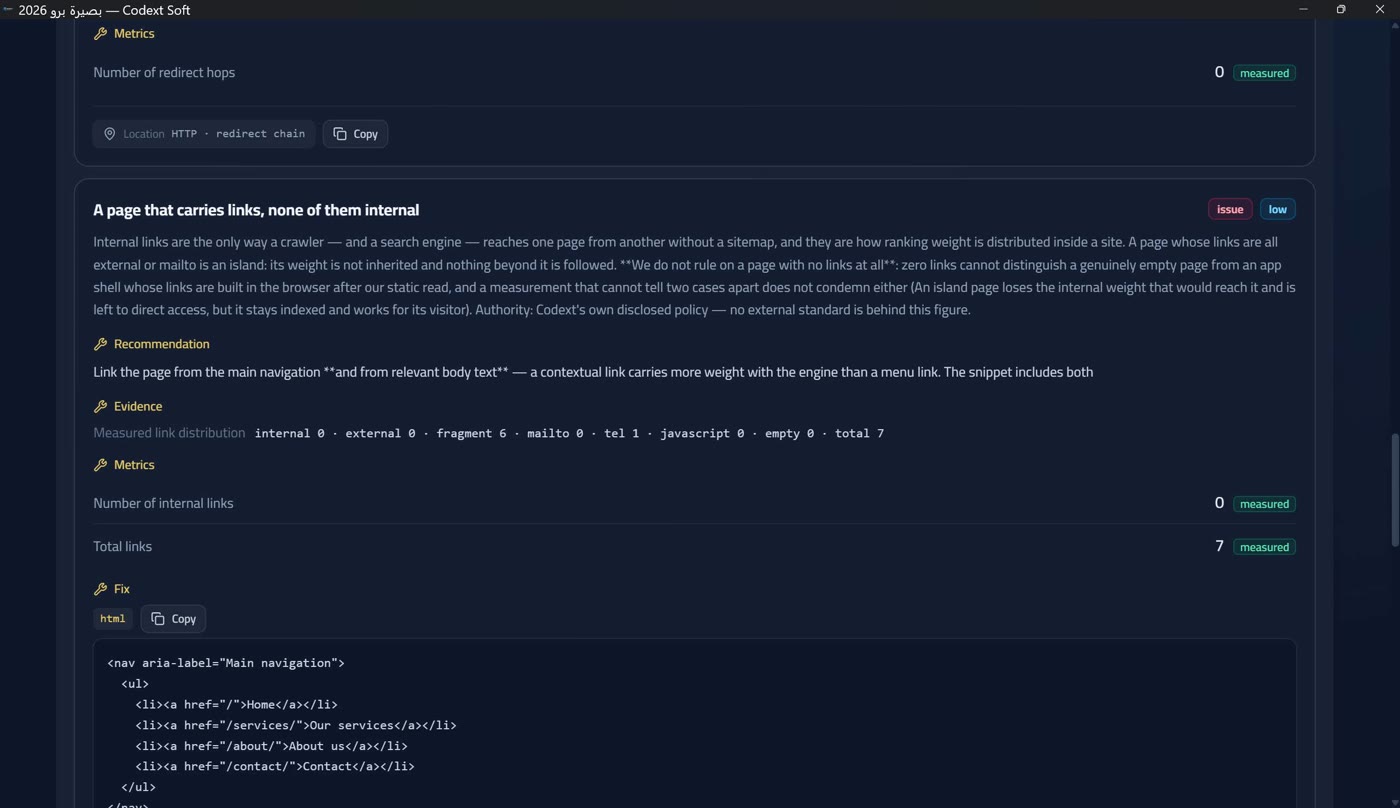
What really was measured is the embedded page text, and it produces a full report with genuine findings rather than pre-arranged ones: exactly one is deliberate — an image without alternative text, left there for the accessibility pillar to catch. The rest follow from being a resource embedded in an app rather than a site on a server: no security headers, no compression, no cache policy, no canonical, no structured data, no sharing tags, no privacy notice, and a body shorter than the published content floor. Every one of its links is an in-page anchor, so there is no internal page link to crawl — the price of being self-contained, declared rather than hidden.
Its score is therefore not the score of a healthy site but the score of a showcase page, and that is deliberate too: a report that shows no defect at all teaches nobody how to read a report.
Source state and partial reports
This feature is what separates Baseera Pro 2026 from tools that issue a grade about anything that reaches them. Before any number in the report there is a verdict on what arrived: seven verdicts the engine derives from the probe scene alone, shown as a card above the score. If a protection layer intercepted the site, or the certificate was rejected, or the body was not HTML, the app says so explicitly and issues a partial report instead of a full grade about a page that is not your site.
The seven verdicts: analysable document — «An HTML document arrived and was read; everything in this report is measured from it» — the only case with no banner. Blocked by a protection layer — «What answered us is not the site but a protection layer in front of it (Cloudflare and the like); the page that reached us is an interception page, not your document. We do not grade a page that is not your site, and we do not try to bypass or circumvent the protection. This is our reservation, not a verdict on the site». Rate limited (HTTP 429) — «We do not retry automatically and do not circumvent the limit — wait a little, then audit again». HTTP error from the server (4xx/5xx) — «We report the code as it arrived; whatever was measured from this response stays measured from it alone».
And untrusted HTTPS certificate — «We do not issue a security grade about a channel that can be intercepted». Access could not complete — «The site did not answer the probe, or the connection dropped before a complete response». Unreadable source — «A successful response with no analysable HTML document (a PDF file, a data feed, or an empty body). We do not invent facts from a document we never read».
Under the title, a text explains what «partial» means: «The site responded, but the document that arrived cannot be audited. What is measured below was really measured from that response; what never arrived has no verdict — neither pass nor violation». The card's evidence is up to three lines depending on the verdict: «block fingerprint», «content type», and «certificate rejection reason».
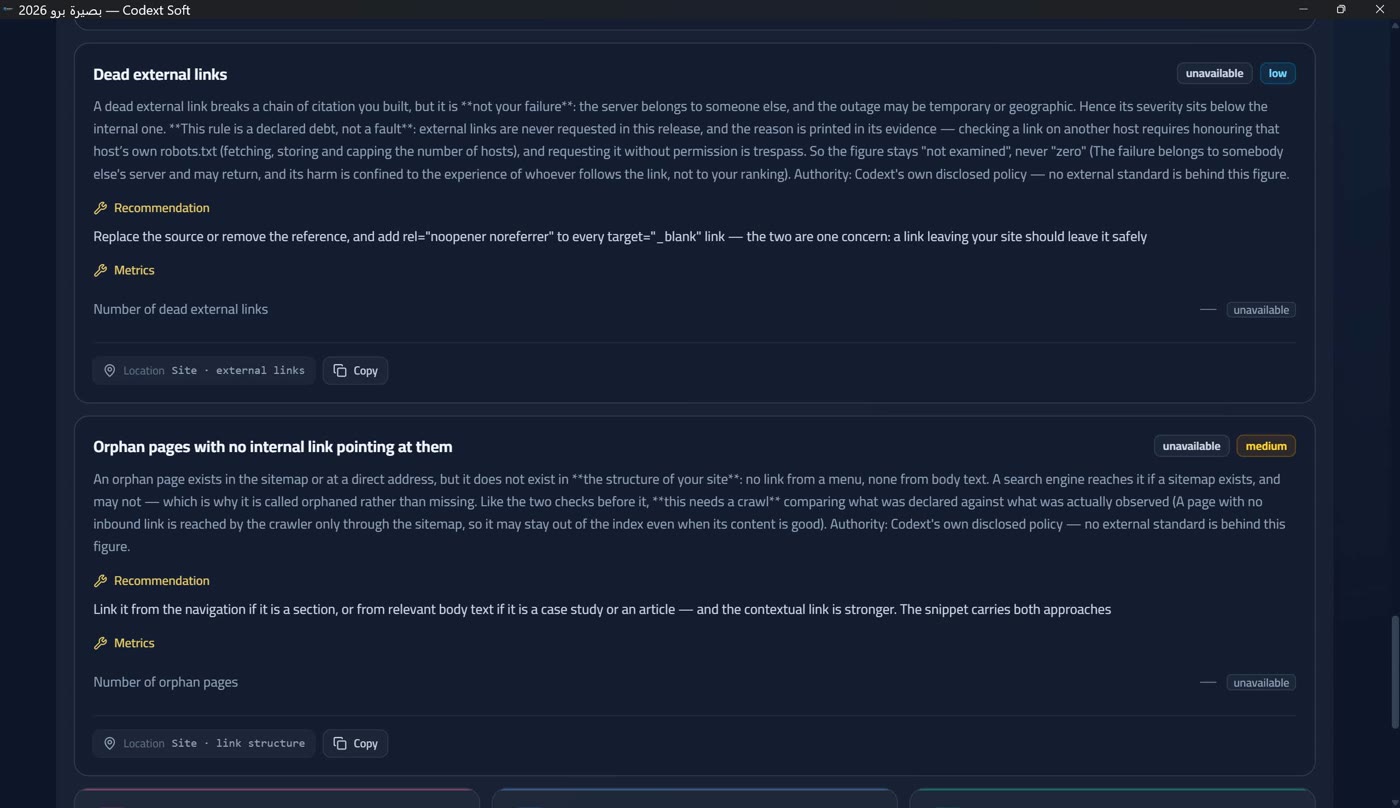
At the bottom of the report, a «probe errors» section appears when errors exist: each with a «fatal» or «warning» tag, a stage/kind identifier and the message.
And a rule to tell the client: a partial report is not a failed report — it is an honest statement that what reached us is not enough for a full verdict. If the block came from a protection layer, the cure is to add the app user's agent to the allow-list at the protection provider, then re-audit — we never try to bypass it ourselves.